

Anyone who knows me, knows that I love PowerPoint. And anyone who knows me, knows that I create PowerPoint presentations to support training programs I am designing, developing and delivering.
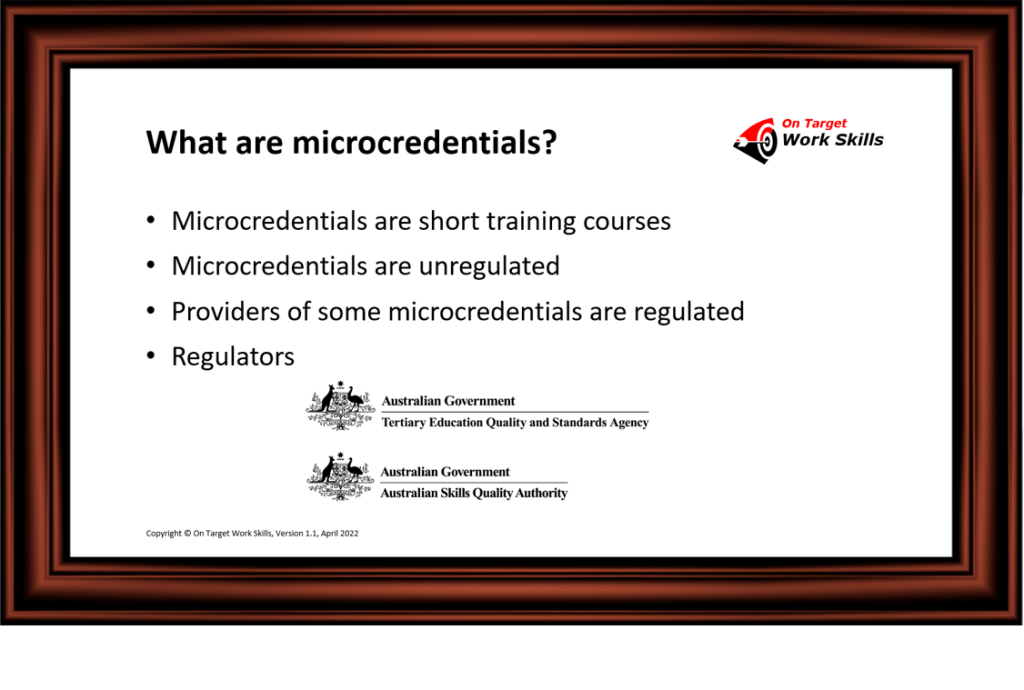
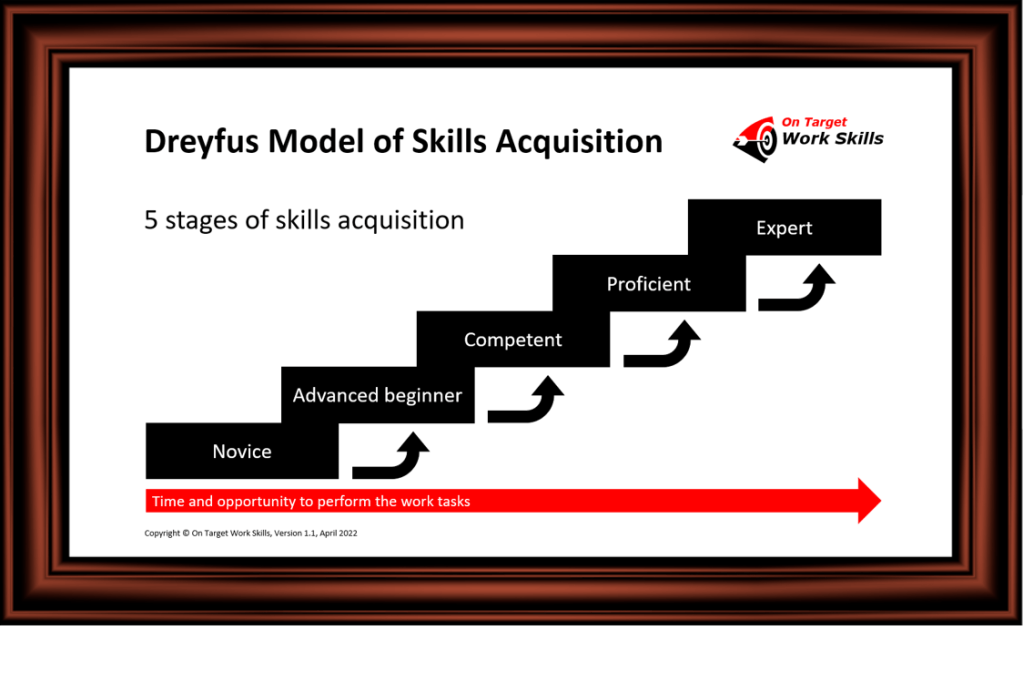
Recently, I have been delivering the ‘How to implement the National Microcredentials Framework’ training. Here is a sneak preview of some PowerPoint slides that I have developed for this training.
I hope you enjoy having a ‘walk-through the gallery’.
Which slide or slides do you like?




How to create powerful PowerPoint presentations

I am presenting a ‘How to create powerful PowerPoint presentations‘ training course. The following topics will be covered during this training course.
- Design principles
- Visual impact
- Images
- Visual style
- Colour theme
- Techniques
- Guides and gridlines
- Insert photos and icons
- Re-size, rotate handles, and cropping
- Insert tables, charts, and SmartArt Graphs
- Simple animation
- Rules
- Don’t breach copyright
- 6 x 6 rule
- 10, 20, 30 rule.
And several learning activities will occur during this training course.
Look here for more details about the training course

Training trainers since 1986


Always love a good road & pancakes 🙂 – looking forward to it being – available in my own time 😀 😀 – *Thumbs Up*
LikeLike
Thank you, Kathleen. It is good to get feedback. The ‘pancakes’ is one of my favourites. The PowerPoint has a simple animation that builds up the pancake stack. And I use it as an analogy (the ‘plate’ being the National Microcredentials Framework, each ‘pancake’ being a microcredential, and the ‘strawberry’ as the benefit on top of all the microcredentials).
LikeLiked by 1 person
As ever Alan you have posted a very professional article that is readable and easy to understand.
Regards Derek Bailey
LikeLike